Design Question
What would you change if this part of Paper City had to serve twice as many people?
What was difficult, why it was difficult and how each problem could be improved.
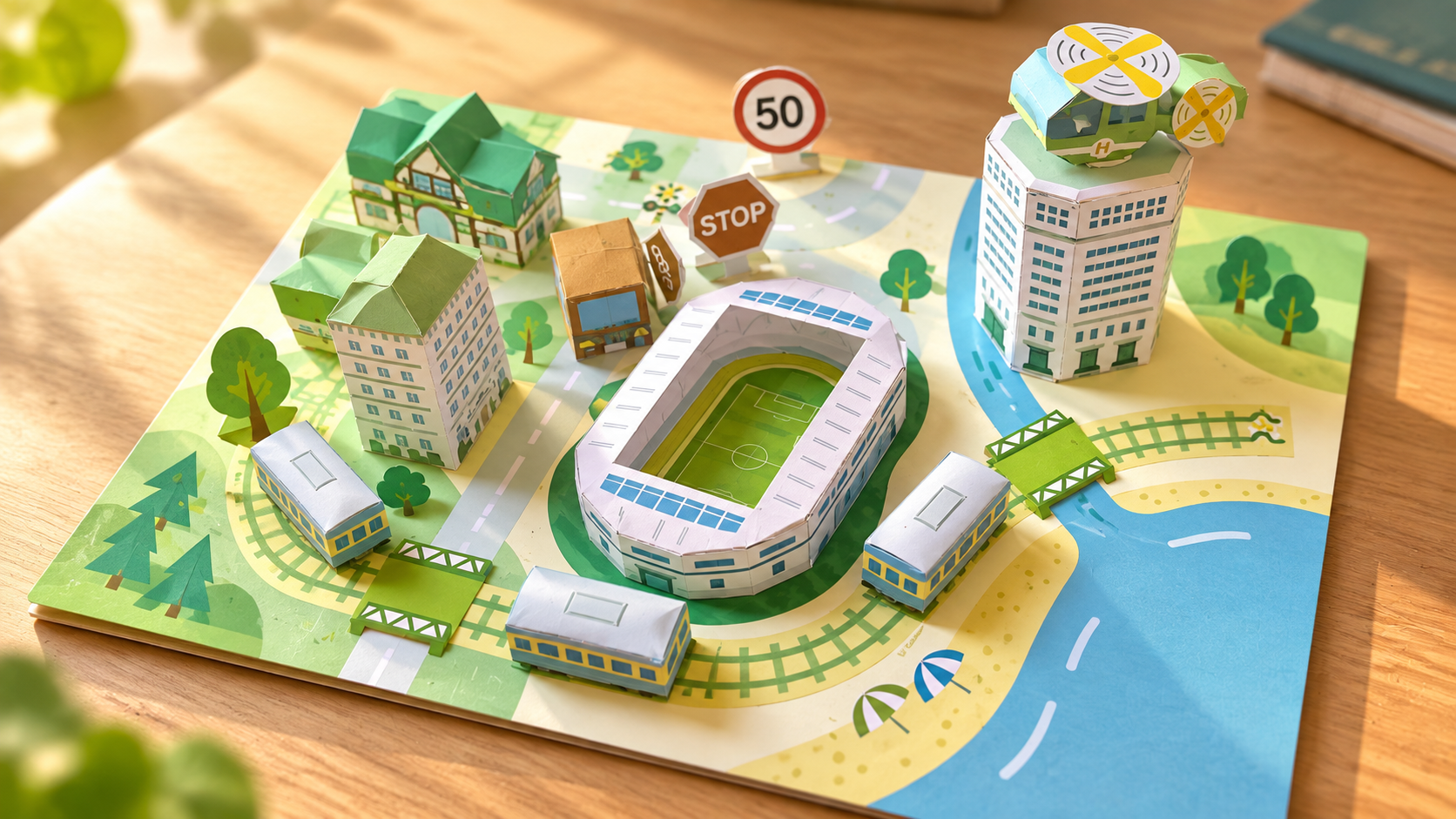
This section goes deeper into the project with clear explanations, design thinking and visual examples.
Tall paper forms can lean if their folds or bases are uneven.
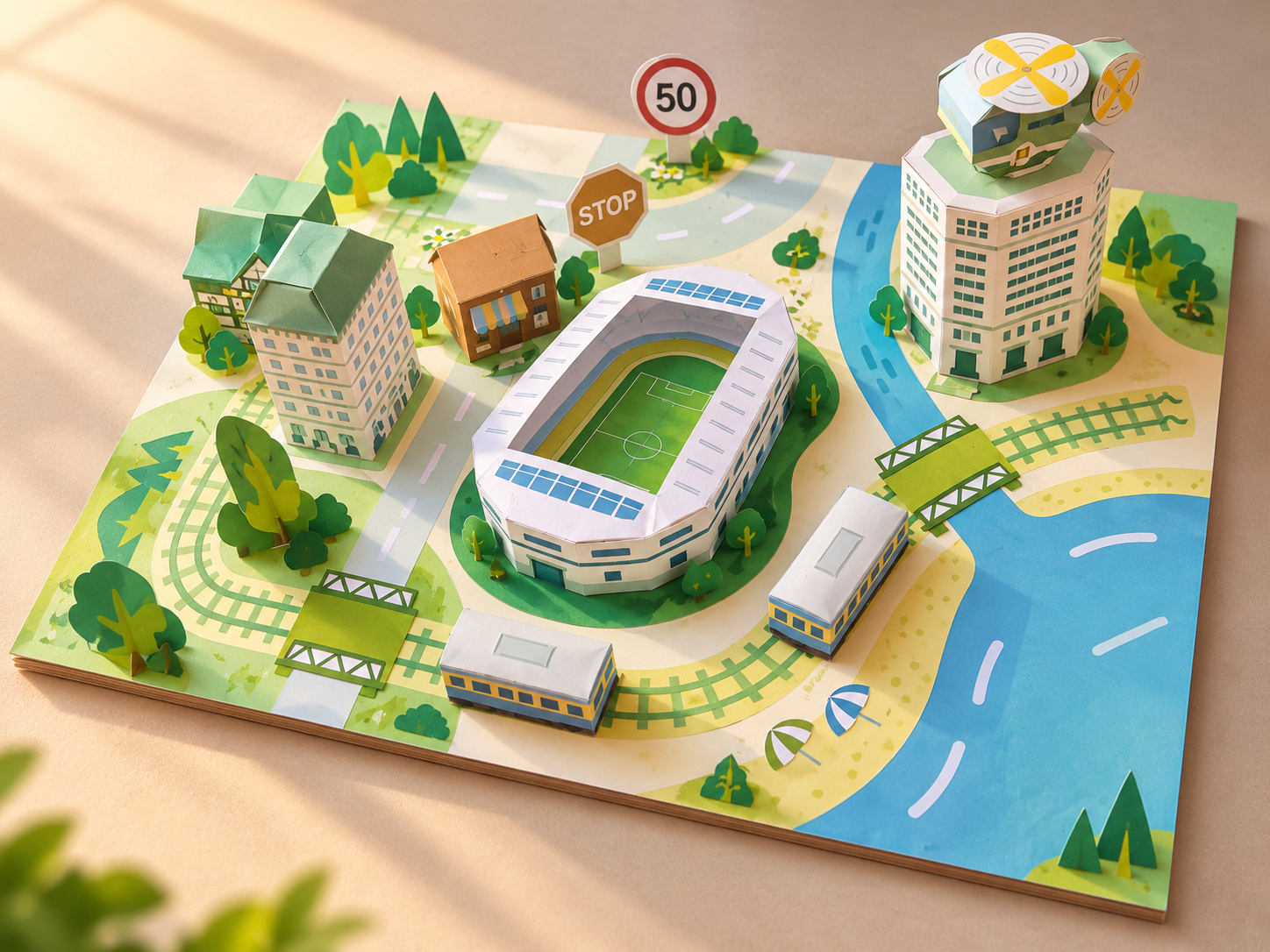
Curves require more careful spacing than straight track.
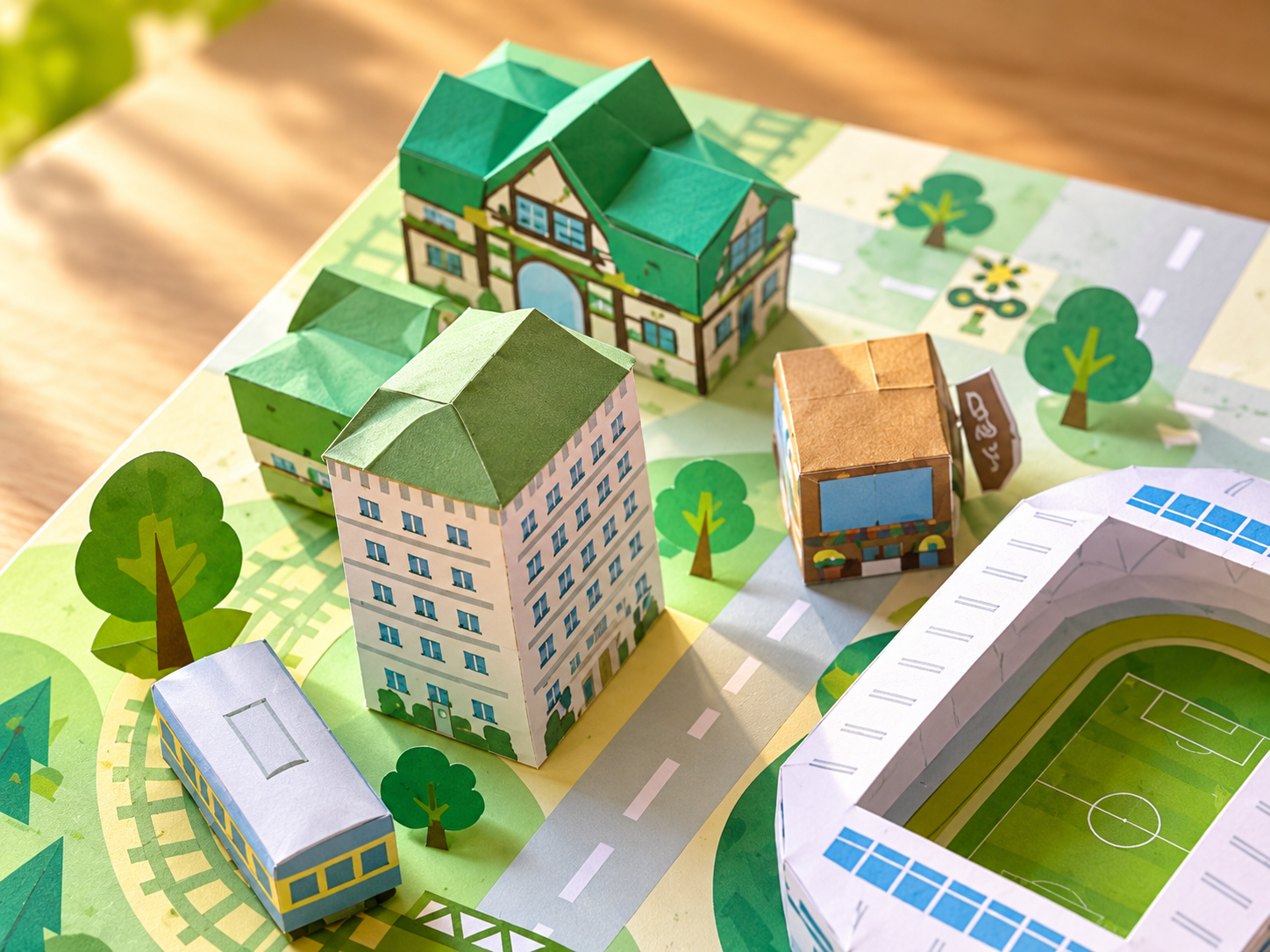
Signs, trees and smaller details are harder to cut accurately.
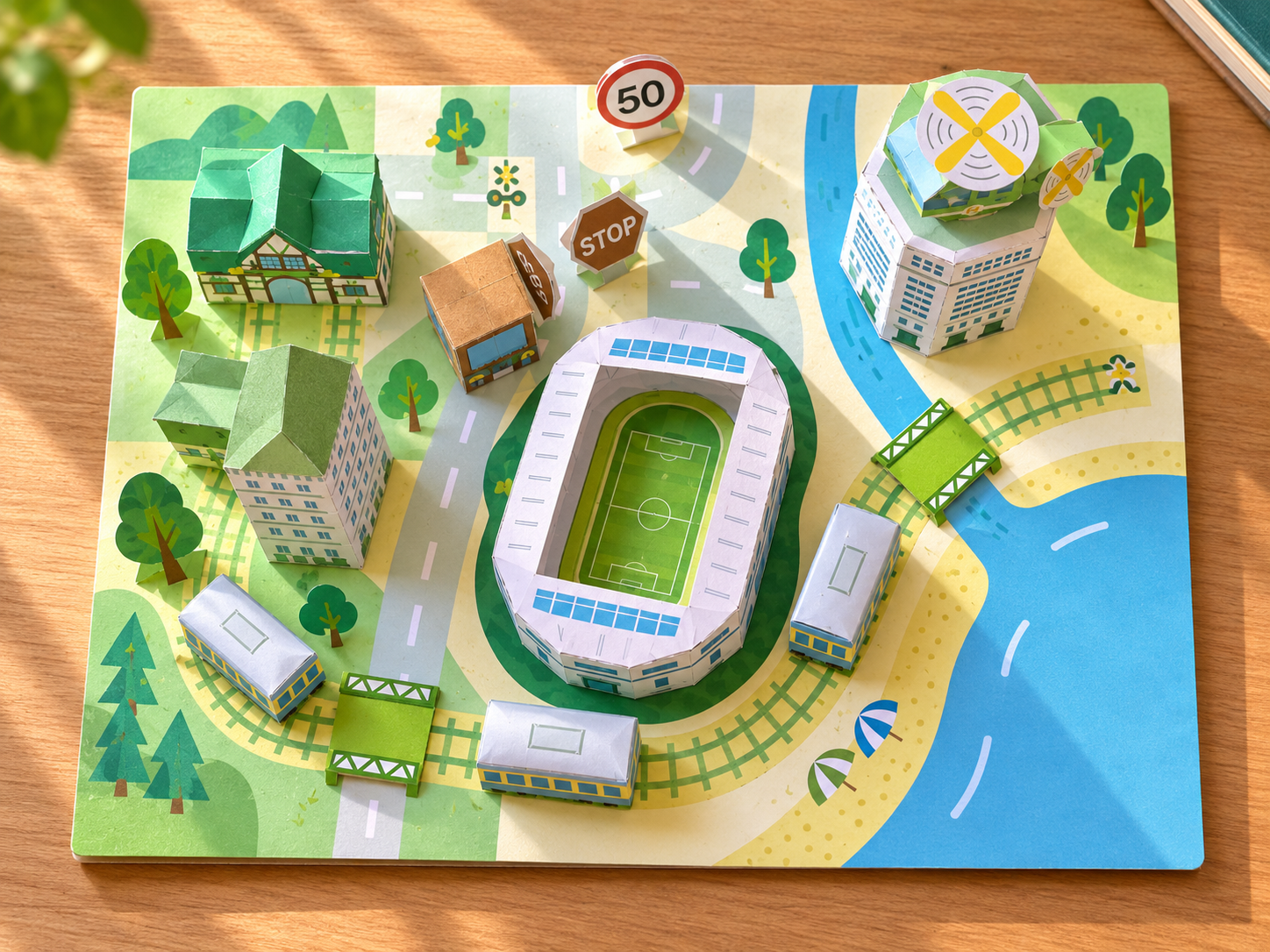
Adding too much detail can make the city difficult to read.
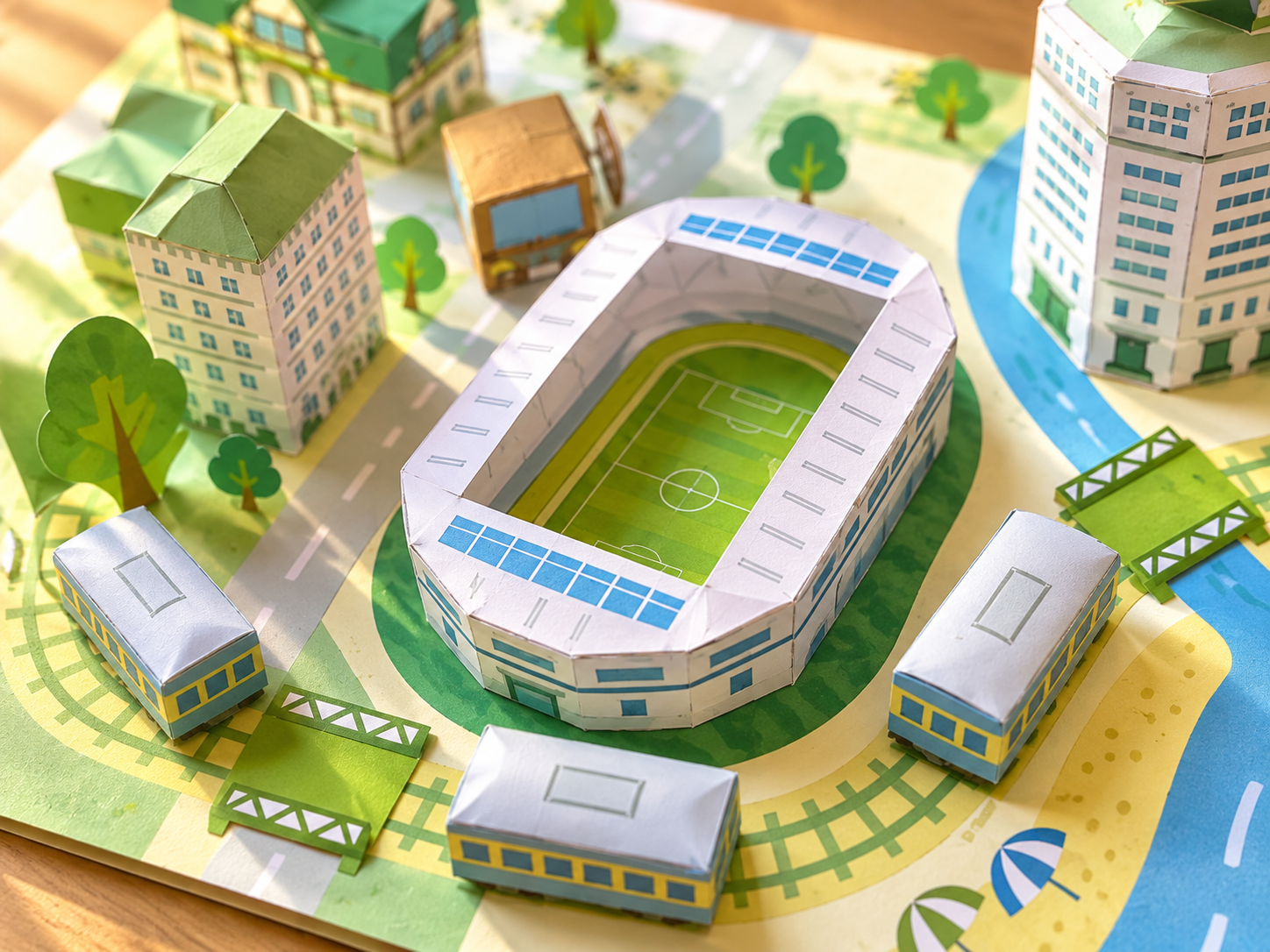
Different building templates can look inconsistent if sizes vary too much.
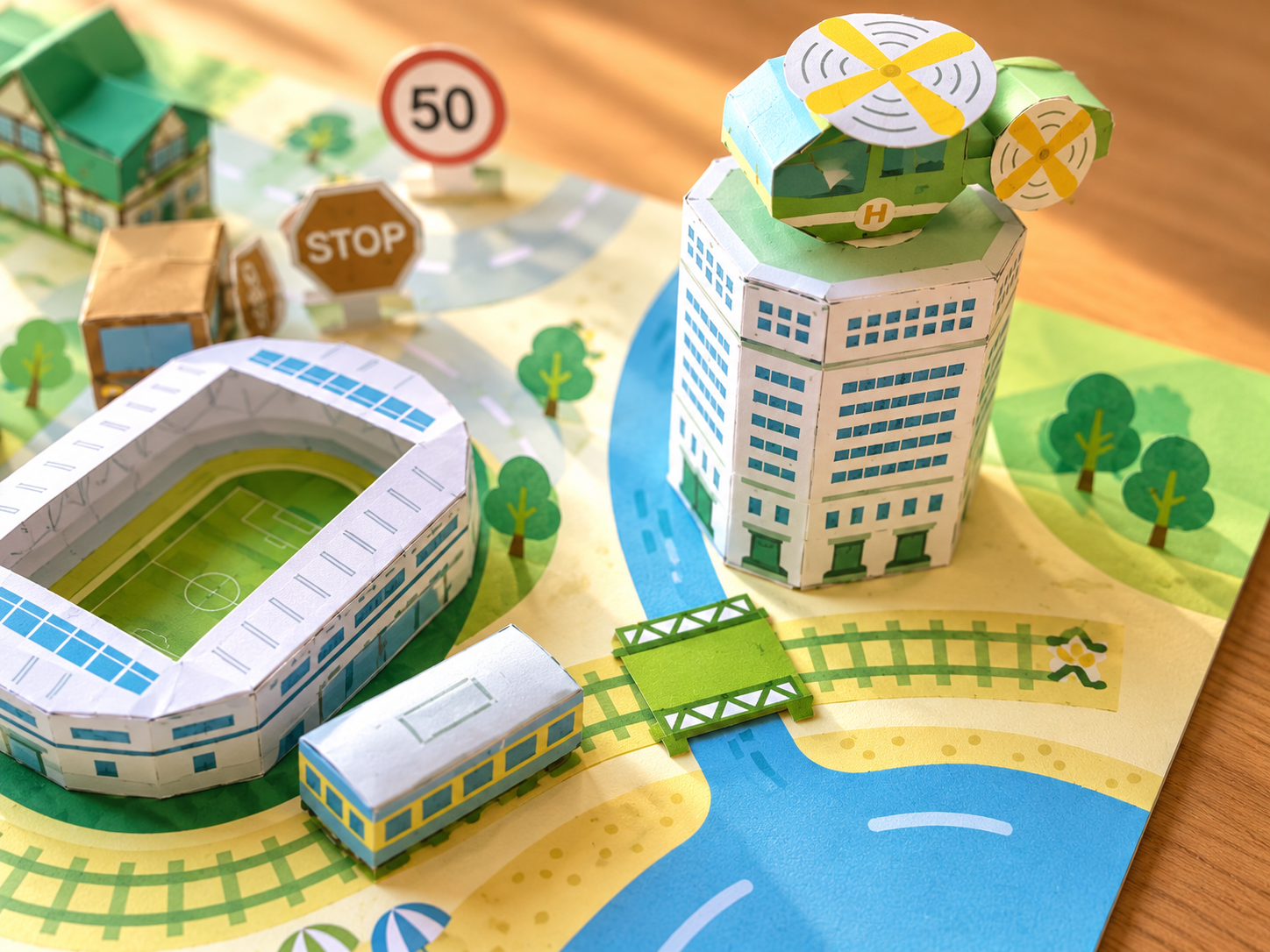
A large model is easier when the work is divided into milestones.
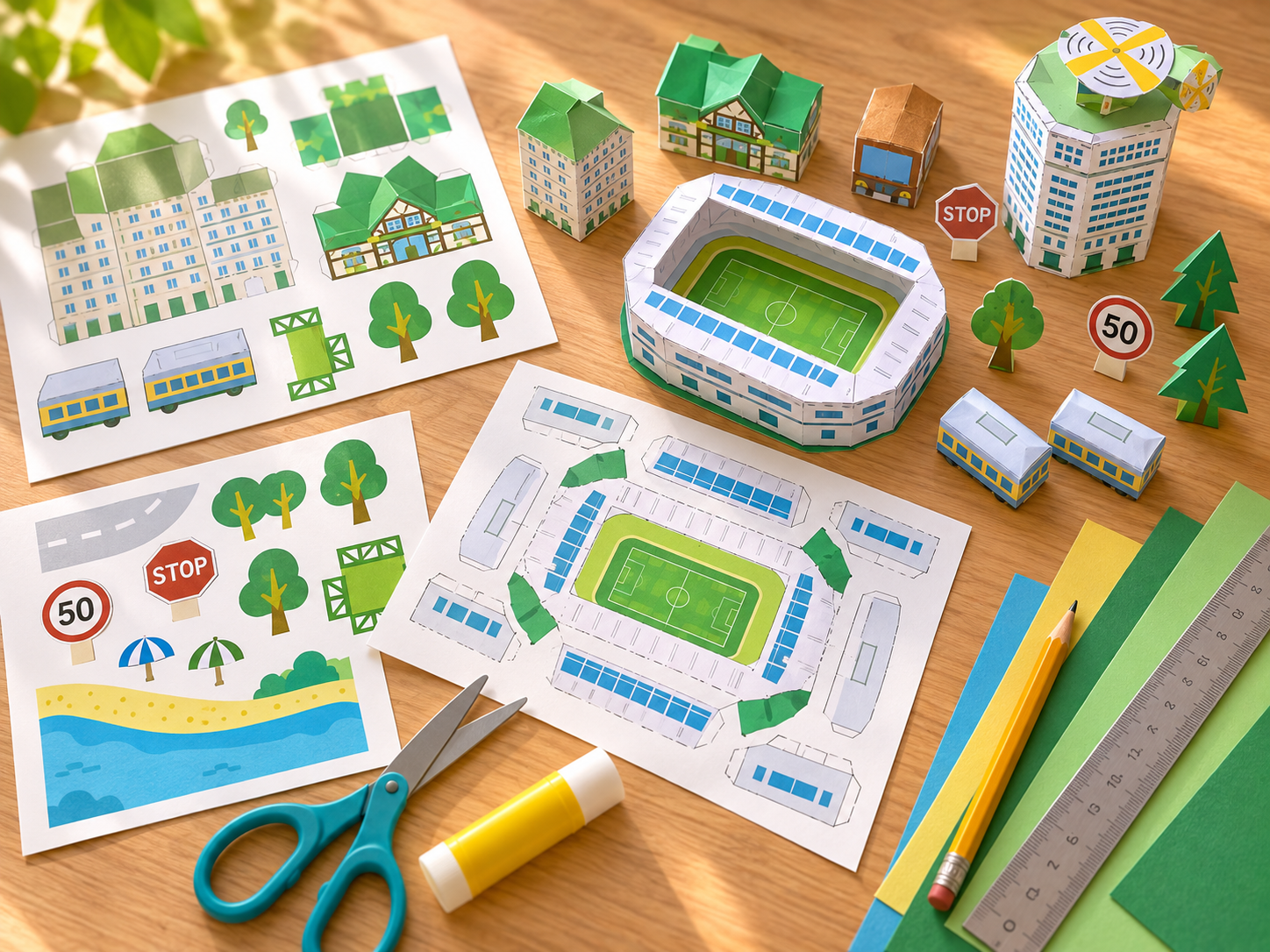
What would you change if this part of Paper City had to serve twice as many people?
How could the same area use less material, create more shade or support more greenery?
Which paper component would be hardest to remake accurately, and how could the template be improved?